
360ARE HELP CENTER
Bring your spaces to life.
Your next great tour starts here. Find a guide, learn a new tool, and take your visitors somewhere worth exploring.
What would you like to create?
44 practical guides · From your first panorama to client delivery
A GOOD PLACE TO BEGIN
Start with what you have.
CAMERA TO TOUR
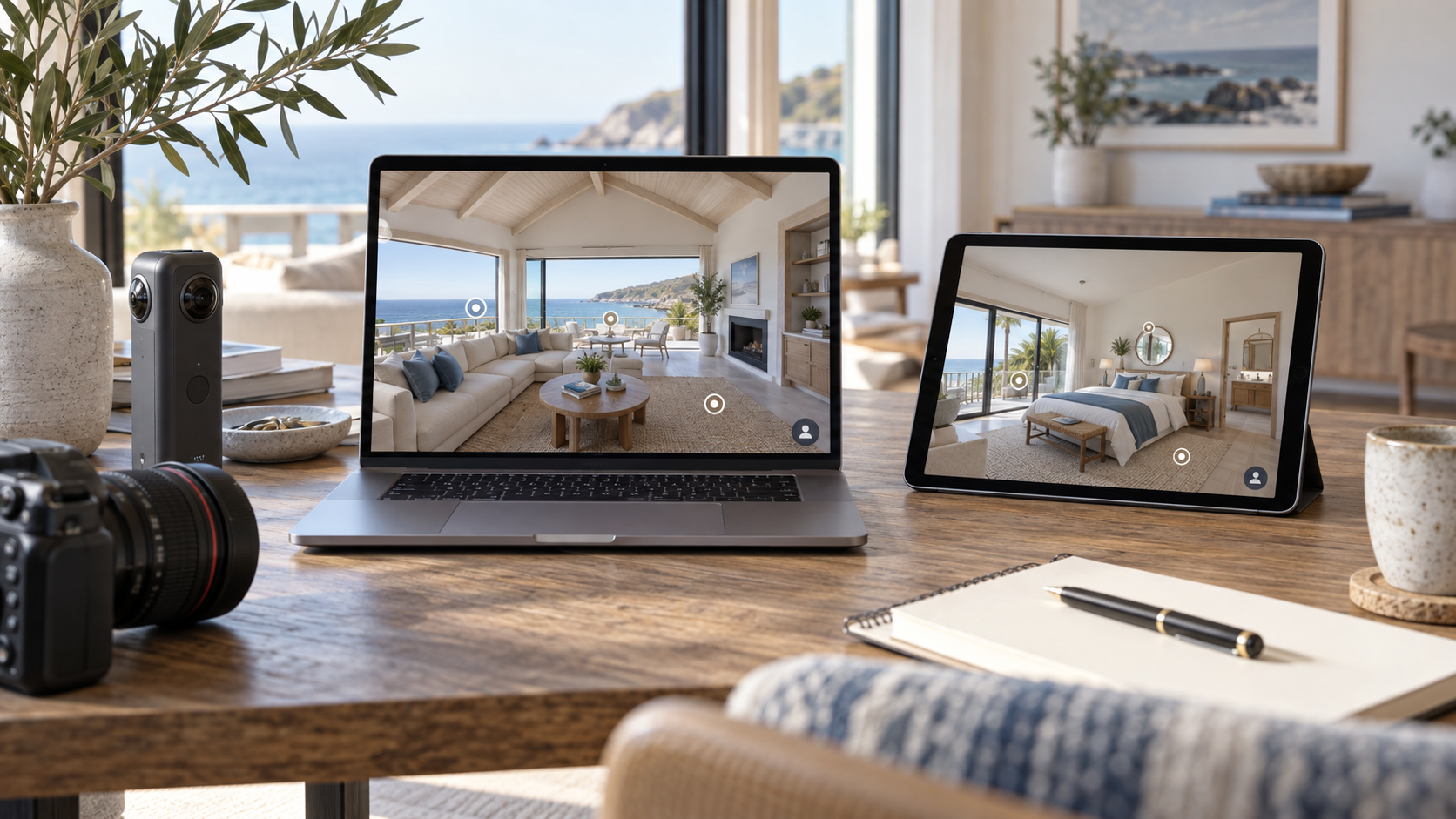
Start with Insta360
From capture to export. Turn your camera’s images into a connected tour.
Explore the guide
CAPTURE & CONNECT
Start with RICOH THETA
Prepare your THETA panoramas and guide visitors from room to room.
Explore the guide
PHOTOS TO EXPERIENCE
Already have 360 photos?
Give your existing panoramas a new home. No new shoot needed.
Explore the guideEditorial illustrations, not camera or product screenshots.
SEE IT COME TOGETHER
A little inspiration.
A whole new perspective.
Watch the 360are demo, then follow the guide to create your own connected tour.
Build your first tourMAKE YOUR NEXT MOVE
The guide library.
44 of 44 guides
360° Virtual Tour Uses Across Industries
Explore virtual-tour applications for real estate, hotels, education, retail, architecture, galleries, tourism, and workplaces.
Read guide Industries360° Virtual Tours for Architects and Interior Designers
Present panoramic renderings and completed interiors as interactive tours for client reviews, design communication, and portfolios.
Read guide Industries360° Virtual Tours for Hotels and Resorts
Show hotel rooms, amenities, and event spaces through interactive tours that help guests understand your property before booking.
Read guide Industries360° Virtual Tours for Real Estate Marketing
Learn how property tours support remote viewing, listing presentation, and client delivery, with practical features and examples.
Read guide Tour editorAdd an Interactive Floor Plan to a Virtual Tour
Upload a floor-plan image, place scene markers, adjust their direction, and save a navigable map for your 360are tour.
Read guide BusinessAdd Virtual Tours to Your Real Estate Photography Business
Plan equipment, capture, tour creation, pricing, and client delivery when adding 360° tours to an existing photography service.
Read guide Leads & AIAI Chat for Virtual Tours: Setup and Usage
Prepare and enable 360are AI Chat, test answers against your tour information, and find current plan availability and usage limits.
Read guide CamerasBest 360 Cameras for Real Estate Virtual Tours in 2026
Compare 360 cameras for indoor panoramas, HDR, stitching, export workflows, and compatibility with real estate virtual-tour software.
Read guide ComparisonsBest Virtual Tour Software for Real Estate Photographers in 2026
Compare virtual-tour platforms for camera compatibility, client delivery, floor plans, branding, lead capture, and publishing costs.
Read guide SharingBranded and Unbranded Virtual Tours: Setup and Delivery
Configure 360are account branding, copy an unbranded MLS tour link, request a custom domain, and check your client delivery.
Read guide ComparisonsCloudPano Alternative: 360are vs CloudPano
Compare 360are vs CloudPano pricing, published-tour limits, branding, and lead capture to choose a practical platform for your tour business.
Read guide Getting startedConfigure and Publish a 360° Panorama
Open panorama settings, add descriptive information, and choose how to save or publish an individual 360° image.
Read guide Getting startedCreating 360° Virtual Tours: A Beginner’s Guide
Learn the virtual-tour workflow, from capturing panoramic photos to uploading images, connecting scenes, and sharing your tour.
Read guide CamerasDJI Osmo 360 II: Real Estate Virtual Tour Workflow
Learn how compatible DJI panoramas fit a 360are workflow, from image export and upload to scene connections and client delivery.
Read guide Getting startedEquirectangular Images Explained: 360° Photo Guide
Understand 2:1 equirectangular images, how they display in a 360° viewer, and how to prepare panoramas for virtual tours.
Read guide Getting startedFree 360° Photo Hosting: What Can You Do With 360are?
Share individual 360° photos and build draft tours for free. Learn which publishing, branding, and business features require a paid plan.
Read guide BusinessHow Much Should You Charge for a 360° Virtual Tour?
Build a virtual-tour pricing model using capture time, editing, hosting, property size, and optional services, with example packages.
Read guide Leads & AIHow to Add Lead Capture to a Virtual Tour
Enable lead capture in 360are, test the visitor contact form, and learn where inquiries and email notifications go.
Read guide Getting startedHow to Create a Virtual Tour from Existing 360° Photos
Turn existing 360 photos into a virtual tour: check files, upload panoramas, connect scenes, add useful features, and publish with 360are.
Read guide Tour editorHow to Create a Virtual Tour in 360are
Upload panoramas, arrange scenes, connect rooms with hotspots, adjust tour settings, and preview your virtual tour before publishing.
Read guide Getting startedHow to Create a Virtual Tour with a RICOH THETA Camera
Create a RICOH THETA virtual tour with 360are: prepare 360 photos, connect rooms, add hotspots and floor plans, then publish and share.
Read guide Getting startedHow to Create a Virtual Tour with an Insta360 Camera
Create an Insta360 virtual tour with 360are: capture and export 360 photos, connect scenes, add hotspots and floor plans, then publish and share.
Read guide SharingHow to Share and Embed a 360are Virtual Tour
Copy tour links, unbranded MLS links, and iframe embed code from the 360are tour page or admin area, then check your visitor experience.
Read guide Getting startedHow to Upload 360° Photos to 360are
Follow the steps to prepare and upload panoramic photos, find them in your account, and continue to settings or tour creation.
Read guide CamerasInsta360 X6 for Real Estate: Virtual Tour Workflow
Explore the Insta360 X6’s potential for property photography, panorama export, and building virtual tours from finished 360° images.
Read guide ComparisonsKuula Alternative: 360are vs Kuula
Compare 360are vs Kuula prices, free-plan limits, branding, and lead workflows. Find a lower-cost route from panoramic photos to published tours.
Read guide Tour editorManage Your 360° Photos and Virtual Tours
Find uploaded panoramas and virtual tours in All Assets, open their editors, and access the settings for each asset type.
Read guide Leads & AIManaging Virtual Tour Leads in the 360are CRM
Review tour inquiries, update lead details and follow-up status, and import your own contacts with the 360are CRM.
Read guide ComparisonsMatterport Alternative: 360are vs Matterport
Compare 360are vs Matterport pricing, active-space limits, panoramic tours, and 3D digital twins to choose the right property marketing workflow.
Read guide ComparisonsPanoee Alternative: 360are vs Panoee
Compare 360are vs Panoee pricing, free publishing, storage allowances, lead capture, and CRM to decide which virtual tour plan fits your business.
Read guide SharingPublish 360° Photos to Google Street View
Connect your Google account, publish eligible panoramas from 360are, check publication status, and manage updates.
Read guide ComparisonsRicoh360 Tours Alternative: 360are vs Ricoh360 Tours
Compare 360are vs RICOH360 Tours on annual pricing, unlimited tours, capture workflows, branding, and business tools for property marketing.
Read guide Getting startedSupported 360° Photo Formats and Image Dimensions
Check the image formats, 2:1 panorama requirements, and supported dimensions for uploading 360° photos to 360are.
Read guide TroubleshootingTroubleshooting Uploads, Publishing, and Tour Viewing
Check common 360are upload, publishing, embed, and lead-capture issues, and learn which details to include when contacting Support.
Read guide Getting startedUpload 360° Photos: Formats and Getting Started
Prepare panoramic images for 360are, check supported formats, upload your photos, and configure them before building a tour.
Read guide IndustriesVirtual Campus Tours for Schools and Universities
Help prospective students explore classrooms, campus facilities, and shared spaces through 360° tours with useful information hotspots.
Read guide IndustriesVirtual Showrooms for Retail and Product Discovery
Let customers explore your showroom remotely and use hotspots to explain products, share details, and link to purchase or inquiry pages.
Read guide Tour editorVirtual Tour and Panorama Settings
Configure descriptions, starting views, thumbnails, camera controls, AI Chat, location information, and publishing options.
Read guide Tour editorVirtual Tour Editor: Setup and Feature Guides
Find guides for creating tours, connecting scenes, choosing hotspots, adjusting settings, and adding interactive floor plans.
Read guide Tour editorVirtual Tour Hotspots: Types and Setup
Add navigation, text, video, webpage, and action hotspots to your 360are tour. Learn how to place, edit, and test them.
Read guide IndustriesVirtual Tours for Art Galleries and Exhibitions
Create online gallery experiences with 360° photography, artwork descriptions, video, and navigation between exhibition spaces.
Read guide IndustriesVirtual Tours for Offices and Coworking Spaces
Showcase offices, meeting rooms, and shared amenities with interactive tours for prospective tenants, candidates, and clients.
Read guide IndustriesVirtual Tours for Sustainable Tourism and Discovery
Explore how destination tours support remote access, educational storytelling, and trip planning, with examples for tourism organizations.
Read guide BusinessZillow, Matterport, and Independent Virtual Tours
Understand listing-platform dependencies and how independent tour links can support property websites, client delivery, and marketing.
Read guideLET’S FIGURE IT OUT
Still need a hand?
Tell us what you’re working on. The 360are Team can help you find your next step.